01
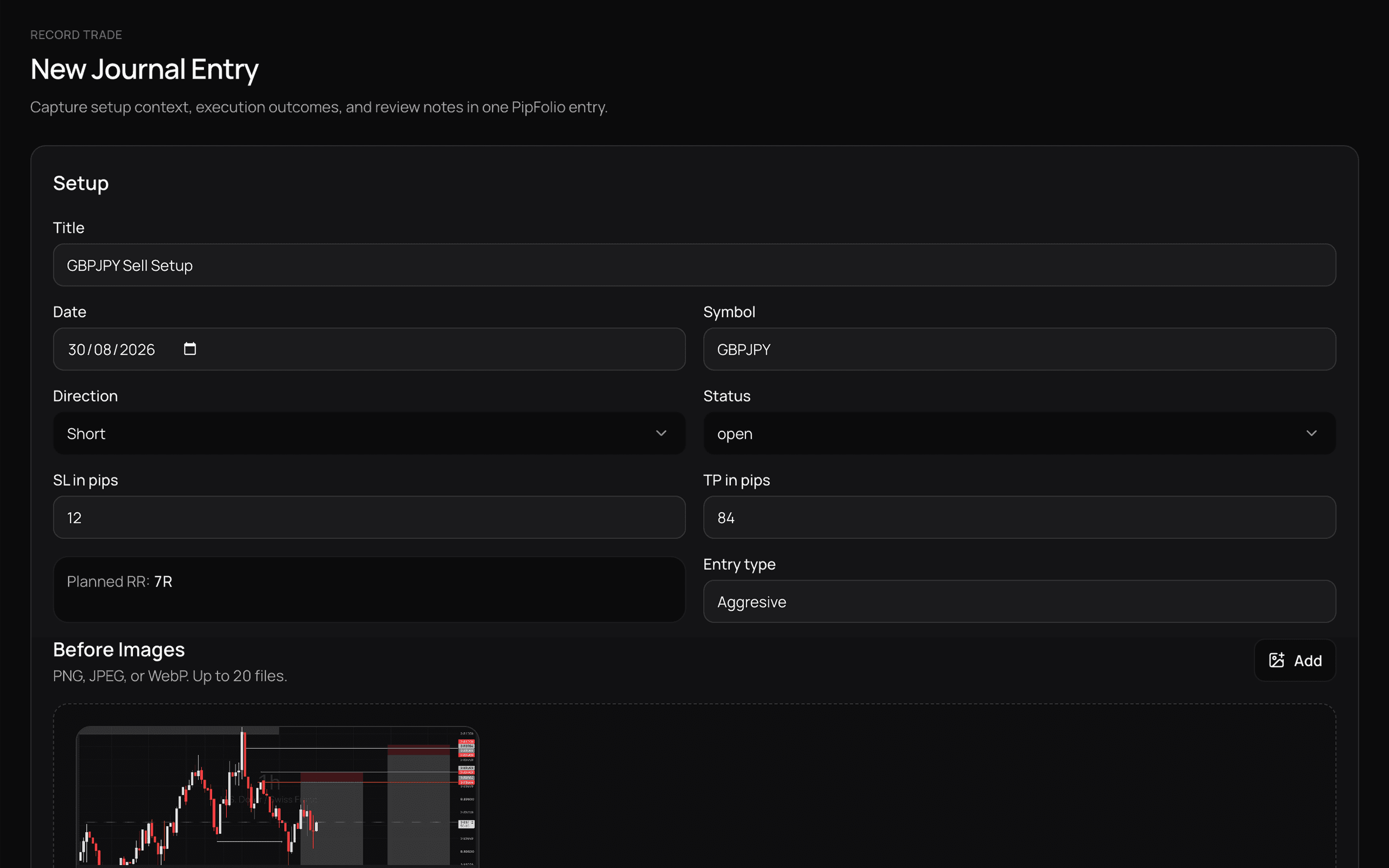
Record or import your trades
Start manually or bring your existing history into PipFolio.
TRADING JOURNAL + PERFORMANCE INTELLIGENCE
PipFolio brings your journal, trading history and performance analysis into one workspace, so you can review what worked, understand what did not, and make better decisions from real trading data.
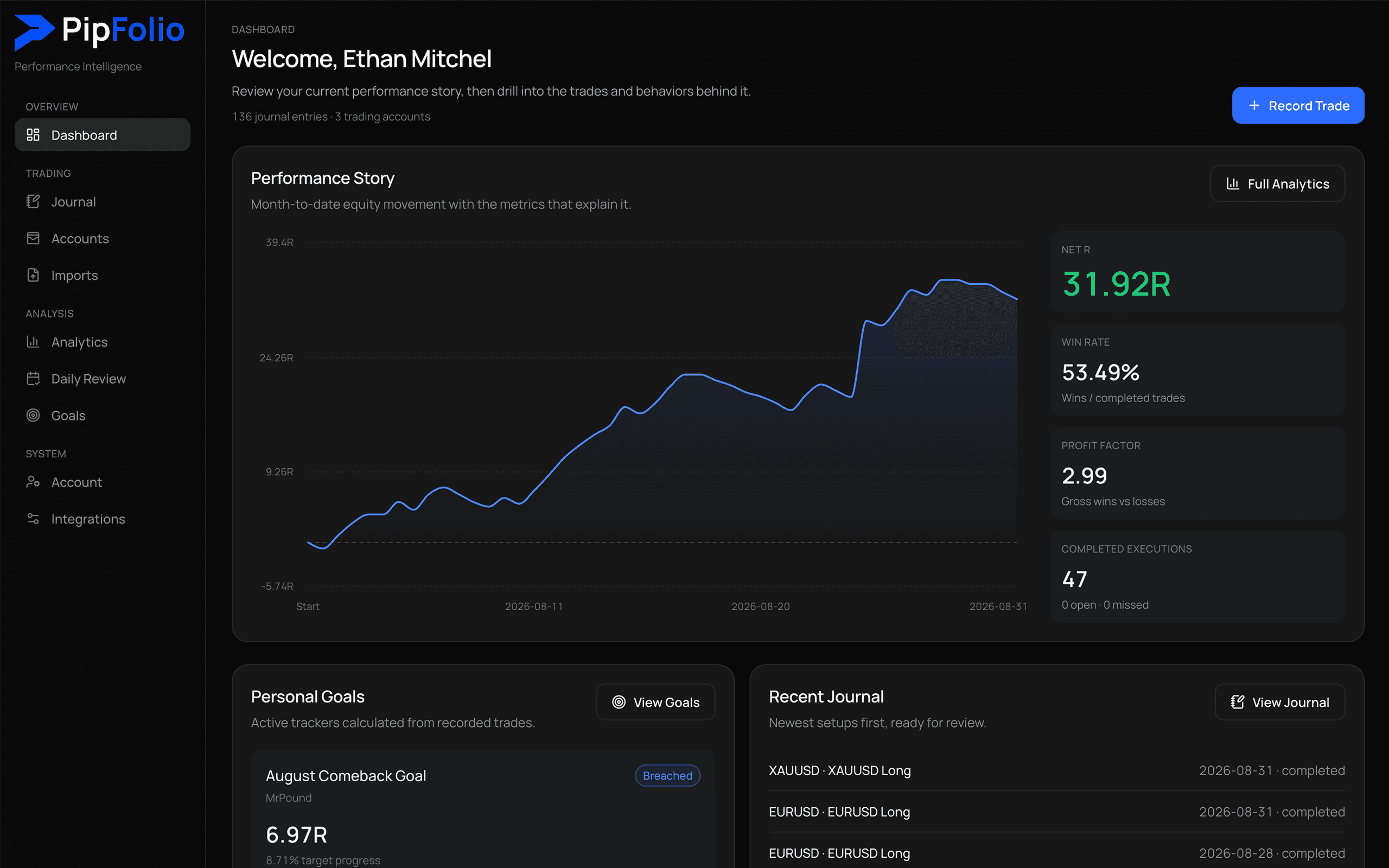
Product workspace
PipFolio keeps the journal, account history, daily review and performance analysis close enough to compare without turning review into another spreadsheet.
Import paths
Performance context
PipFolio connects the result of each trade with the context around it, giving you a clearer view of performance across accounts, symbols, sessions and behavior.
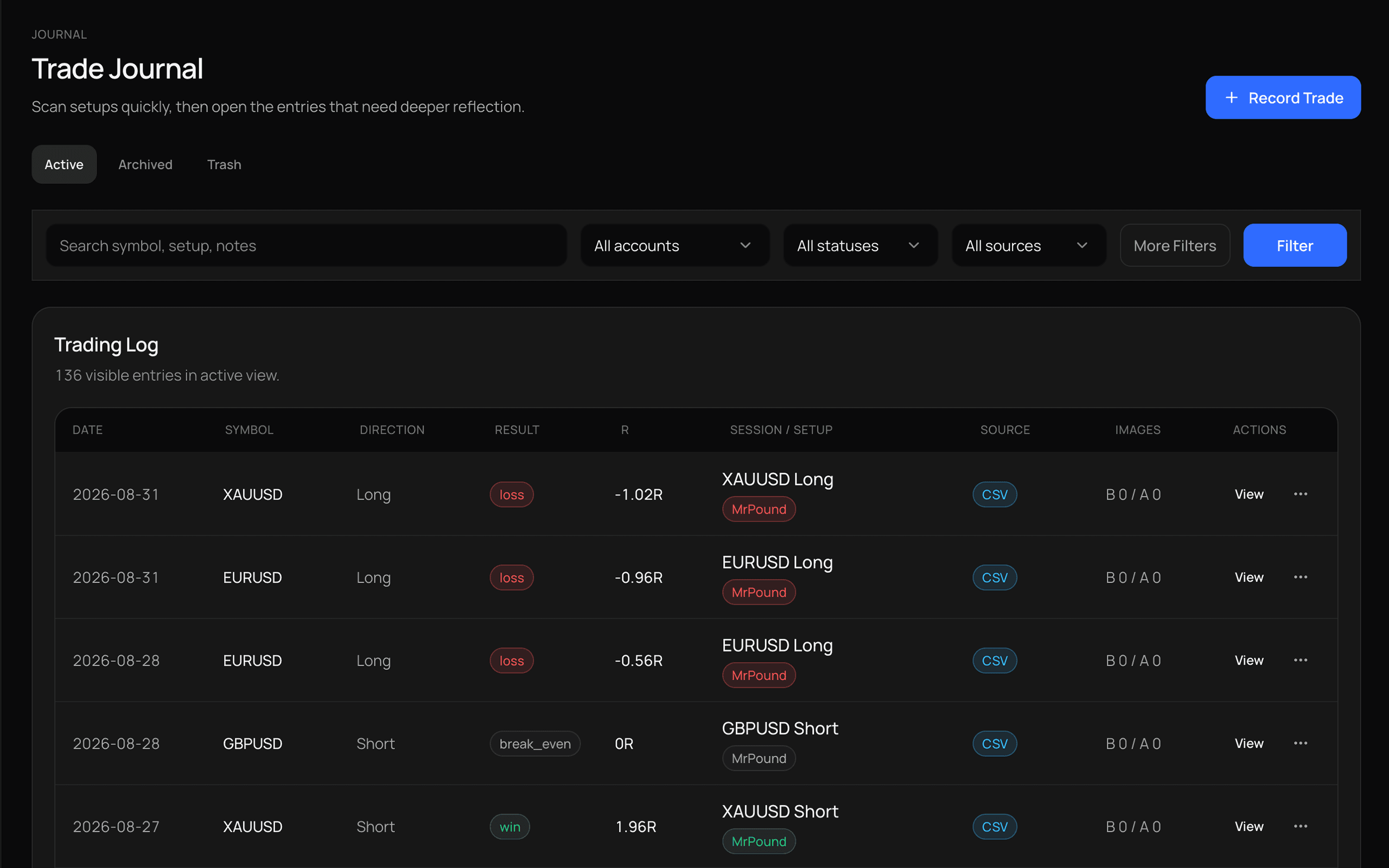
Journal
Record trades manually, capture setup context, add screenshots and review execution without losing the details that mattered when the trade was taken.
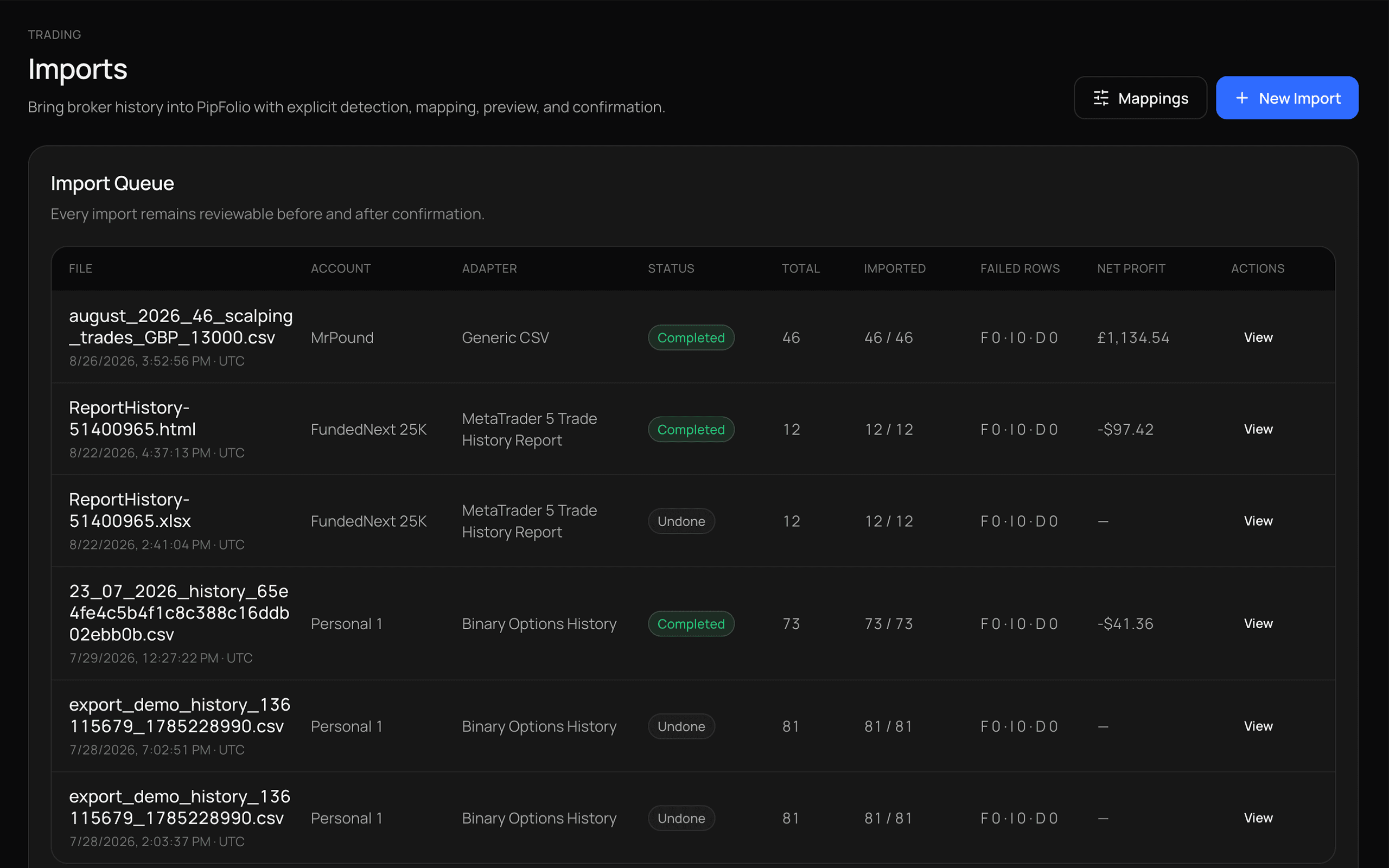
Imports
Import existing broker history and review it inside the same journal instead of rebuilding months of trades manually.
PipFolio detects supported MetaTrader reports automatically and provides mapping tools when a file needs additional setup.
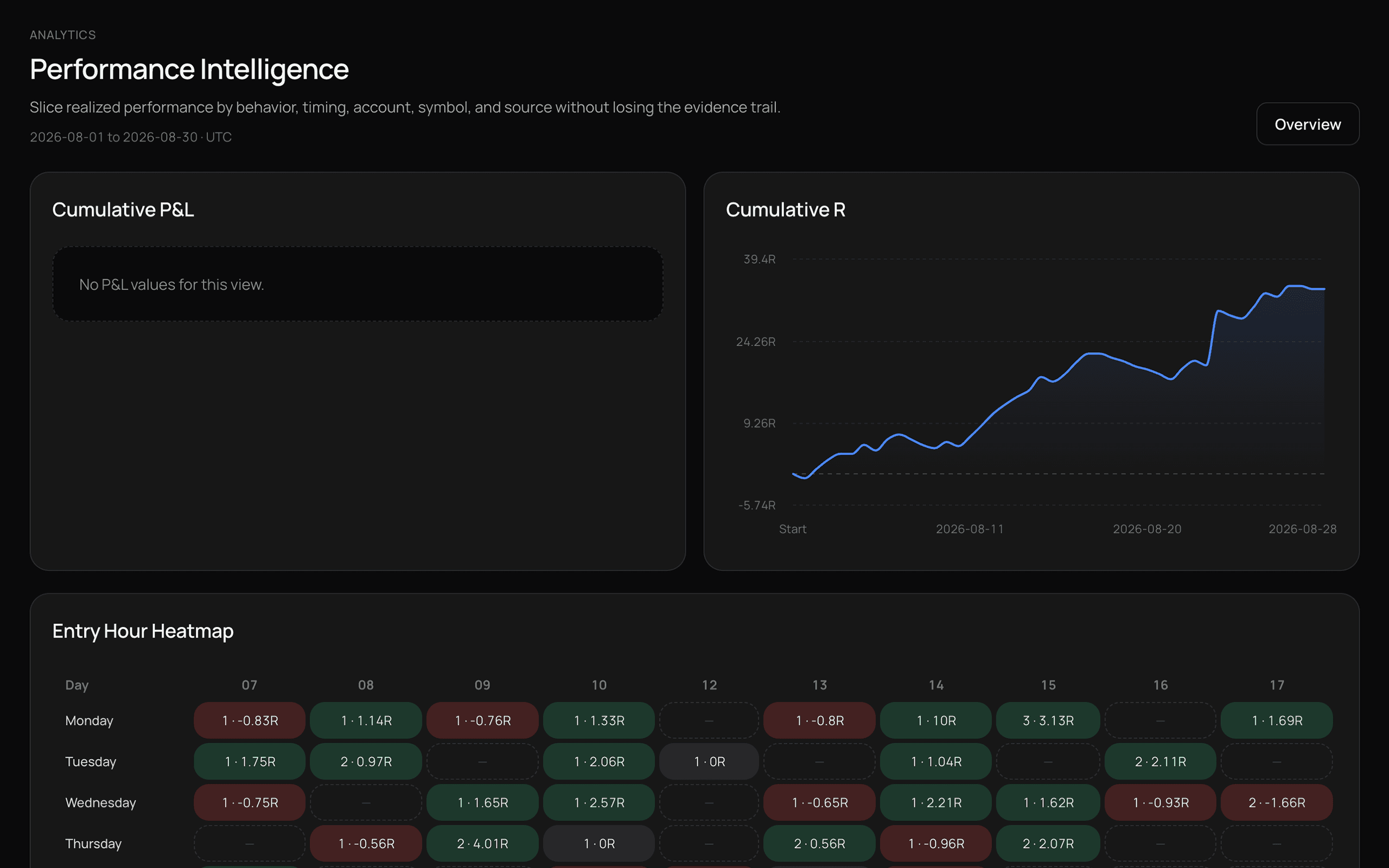
Performance Intelligence
Compare the conditions behind your trades and see where performance changes across time, symbols, sessions, direction and trading behavior.
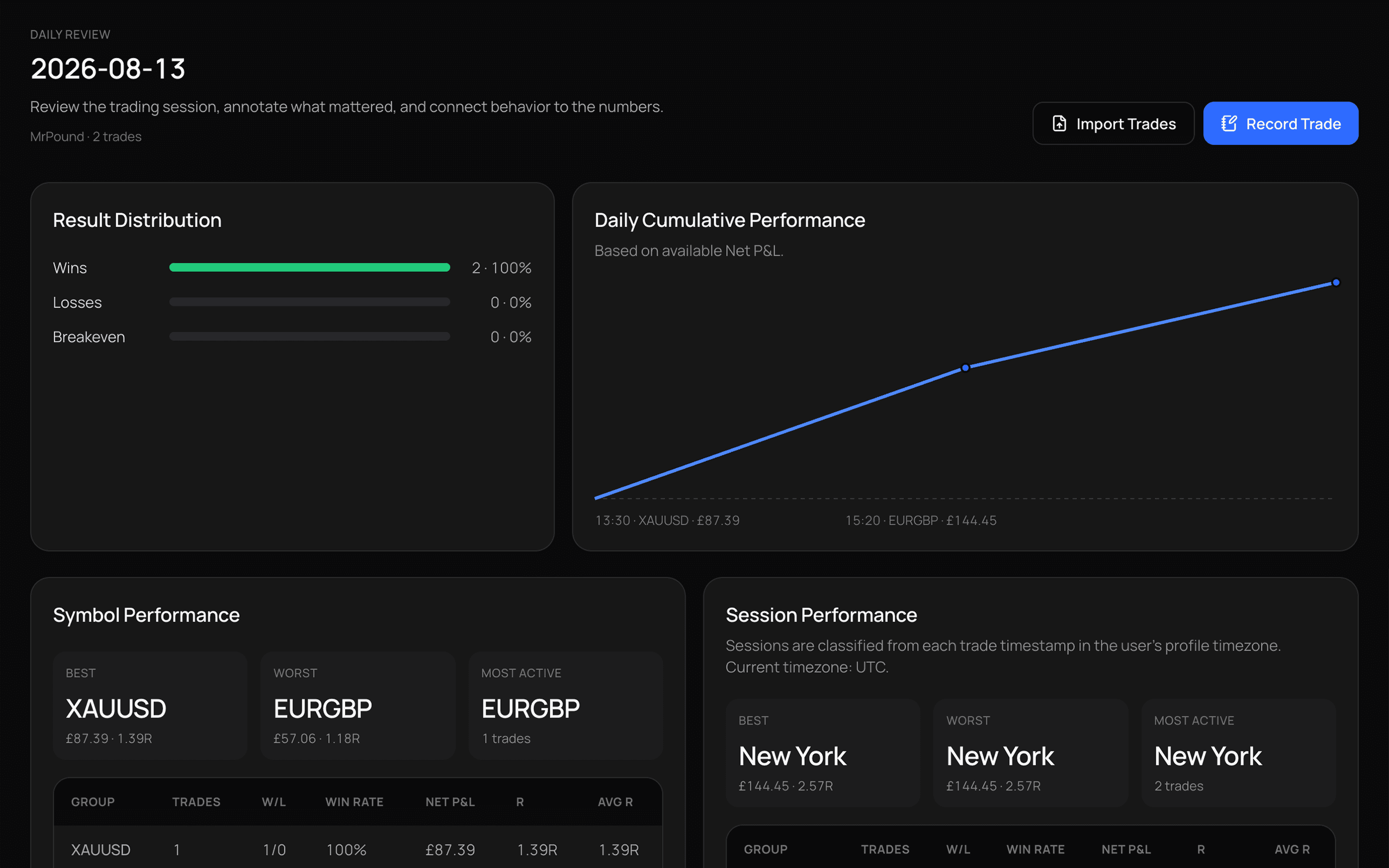
Daily Review
Review the trades, behavior and performance behind one session without getting lost in your entire trading history.
PipFolio keeps each trading day focused on what actually happened instead of burying the review in unrelated data.
How it works
Start with the trades you have, review what happened, then turn repeated behavior into usable feedback.
01
Start manually or bring your existing history into PipFolio.
02
See your results, trading days and execution context in one place.
03
Use performance intelligence to understand what repeatedly helps or hurts your trading.
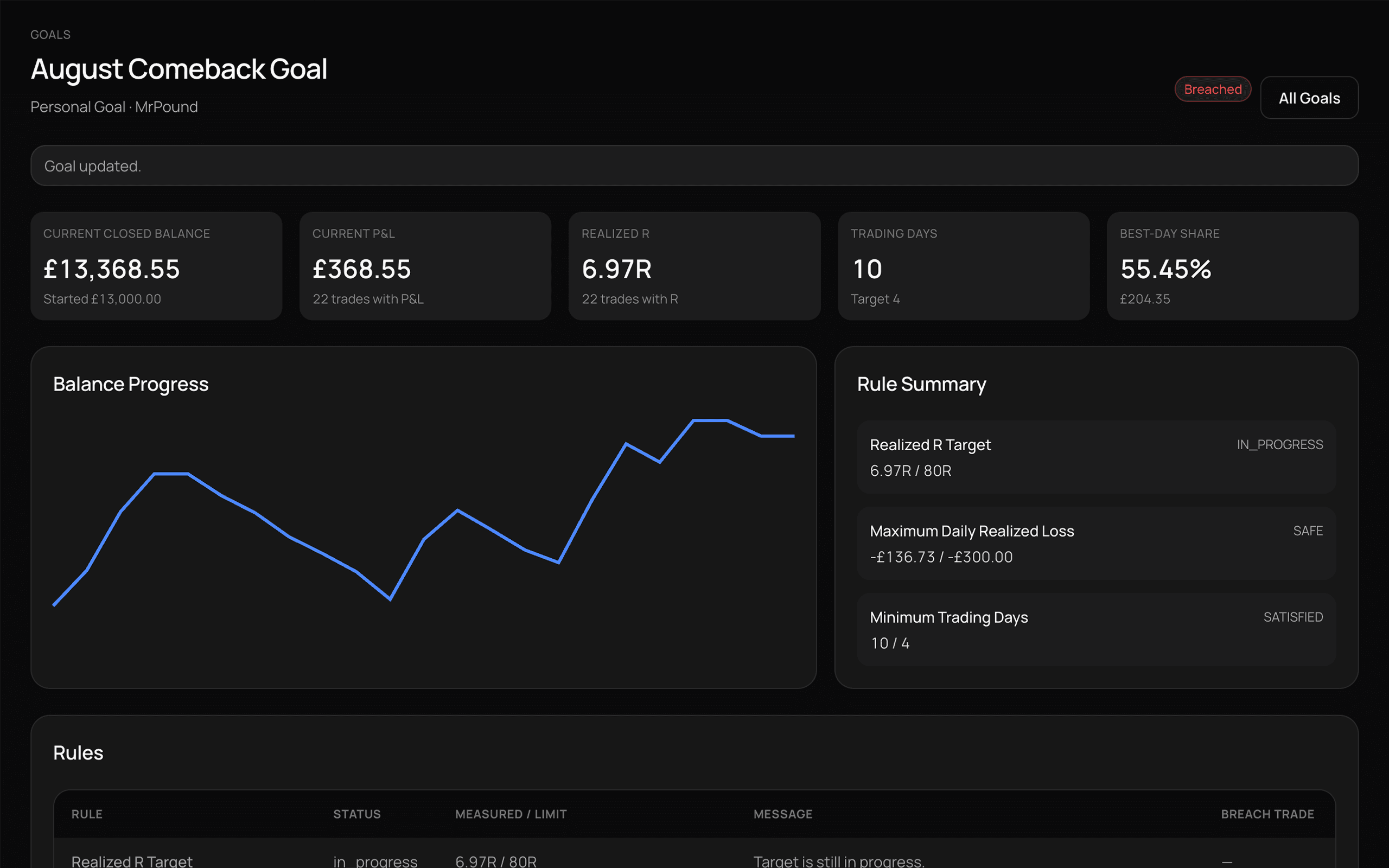
Personal Goals
Set personal trading targets and let your journal history update the progress automatically.
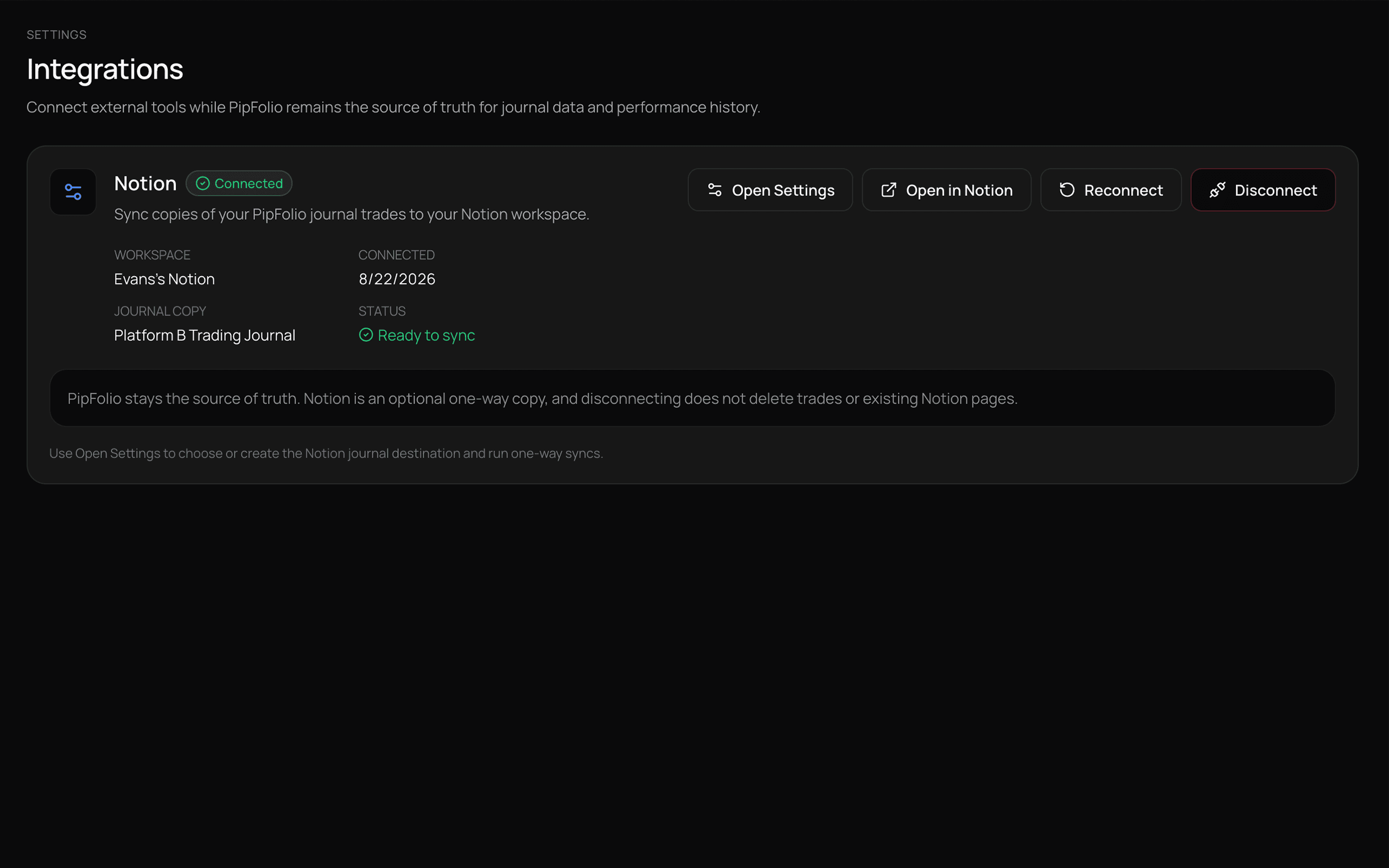
Notion
Connect Notion as an optional one way journal copy while PipFolio remains the source of truth.
Privacy
PipFolio keeps user data scoped to each account, stores uploaded trade images privately, and does not require a live broker connection to journal or import trading history.
User scoped data
Private image storage
No live broker requirement
FAQ
PipFolio is a trading journal and performance intelligence workspace for recording, importing and reviewing trading history.
Yes. You can create journal entries manually and add execution details, notes and trade images.
Yes. PipFolio supports file based MT4 and MT5 trading history imports.
PipFolio currently supports CSV, HTML and HTM files, including supported MT4 and MT5 reports.
Yes. You can keep multiple trading accounts separate while reviewing their journal history and performance.
Not currently. PipFolio focuses on manual journaling and file based trading history imports rather than live broker connectivity.
Yes. Notion can be connected as an optional one way copy of your PipFolio journal.
No. PipFolio does not execute trades. It is designed for journaling, review and performance analysis.
PipFolio uses user scoped data access and private storage for trade images.
Build your trading history. Review your decisions. Find the patterns.
Start journaling